Sheru Bhai AI Video
Sheru Bhai AI video ek chhota clip hai jo still Sheru Bhai photo ko image-to-video model se animate karke banta hai. Video version Instagram Reels aur YouTube Shorts par apna alag trend ban chuka hai, isliye still image reuse karne ke bajaye alag post banana sahi hai.
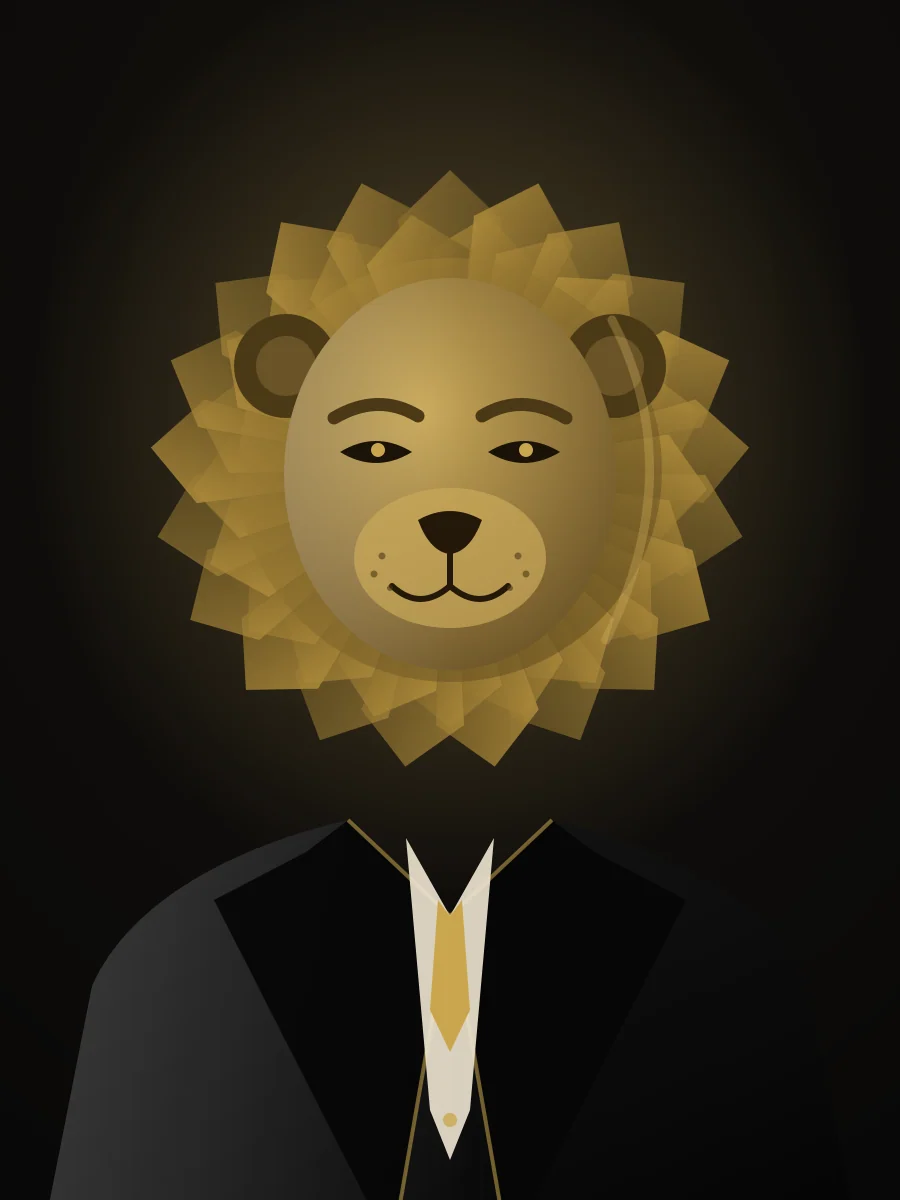
Steps
- 1
Still banao
Apni selfie se clean 3:4 Sheru Bhai photo generate karo.
- 2
First frame banao
Image-to-video tool me still ko starting frame ke taur par lagao.
- 3
Ek motion batao
Ek chhota movement prompt paste karo — na camera list, na scene change.
- 4
Export aur post
1080×1920 render karo, editor me audio daalo, still ko cover banao.
Video version photo se kaise alag hai
Photo look ke baare me hai: suit, mane, light. Video ek hi movement ke baare me hai — camera ki taraf dheera mudna, halka head tilt, ya kursi me baithte waqt light ka badalna. 5 se 8 second ke clips sabse achhe chalte hain; lambe clips me chehra bigadne lagta hai.
Pehle still image taiyar karo
Clean 3:4 portrait se shuru karo jisme poora sir aur kandhe hon aur koi bhi cheez edge par kati na ho. Image-to-video models frame me jo hai usi ko move karte hain, isliye tight crop ya kata hua mane warping dikhata hai. Animate karne se pehle captions, logos ya stickers na lagao — baad me editor me daalo.
Reels aur Shorts ke export settings
1080×1920, 24 ya 30 fps, 5 se 8 second, H.264 MP4 export karo. Subject ko frame ke beech ke 80% me rakho taaki app ka UI chehra na dhake. Audio generation prompt me nahi, editor me daalo.
- Resolution: 1080 × 1920, vertical 9:16.
- Length: 5–8 second. Ek hi motion, kai nahi.
- Format: MP4 / H.264, 30 MB se kam — slow connection par share aasan.
- Cover frame: original still photo use karo.
Workflow jo sach me kaam karta hai
Pehle yahan still photo banao. Phir koi bhi image-to-video tool kholo, still ko first frame ke taur par lagao, ek chhota motion prompt paste karo aur render karo. Aakhir me editor me music aur caption. Sab kuch ek hi generation me karne ki koshish hi chehra bigadne ka sabse bada karan hai.
Copy-paste prompts
Prompts English me hain — image models English hi achhe se samajhte hain.
Image-to-video motion prompt
Using the attached image as the first frame: the character slowly turns their head toward the camera and settles their shoulders, a subtle confident half-smile, warm chandelier light shifting gently across the mane, faint dust particles in the air. Smooth continuous motion, no camera cut, no zoom, no new characters, no scene change, no text, no logos. 5 seconds, 9:16 vertical.
Tip: Sirf ek motion. “Phir wo uth kar chalta hai” add karoge to chehra bigad jayega.
Aksar pooche gaye sawaal
Kya is site par seedha Sheru Bhai AI video ban sakta hai?+
Yahan first frame wali still photo banti hai. Upar wale prompt ke saath kisi bhi image-to-video tool me use animate karo — workflow simple rehta hai aur chehra stable.
Sheru Bhai AI video kitni lambi honi chahiye?+
Paanch se aath second. Chhote clips me chehra consistent rehta hai aur Reels/Shorts me natural loop banta hai.
Video me chehra kyun badal jata hai?+
Aksar prompt me kai actions hote hain, ya source still tight crop ki hoti hai. Ek motion rakho aur sir ke aaspaas jagah chhodo.
Aur guides
Is trend aur hamari artwork ke baare me
Ye ek viral AI character trend se inspired fan-made tool hai. Hum original creator nahi hain aur ye koi official site nahi hai. Hum kisi aur ki original artwork host ya download ke liye nahi dete.
Yahan dikhaya gaya har lion character hamari khud ki illustration ya hamare likhe prompt se bana AI render hai. Generated images me kisi ka logo, brand name ya padhne layak text nahi hota.
Aapki upload ki hui selfie sirf image banane ke kaam aati hai. Photo files 24 ghante baad expire hoti hain aur agle server cleanup requests me delete hoti hain. Publish ya AI training me use nahi hoti. Privacy Policy dekho.